A workspace for visual concepts
Nano Banana 3.0 brings text prompts, optional references and image-generation controls into a workspace for exploring visual ideas.
The generator accepts a text prompt and optional reference images. Available image count, aspect ratio, and resolution controls depend on the selected model.
Write a prompt or start from a scene template to create a still image.
Attach reference images within the limit displayed for the selected model to guide the visual direction.
Select a compatible aspect ratio and resolution using the controls shown for your model.
Preview the result and download it for review or further editing.
No Preview
AI understands your needs and creates images
Nano Banana 3.0 is a hosted workspace for the Nano Banana family. Each generation consumes credits based on model and resolution. See pricing page for details.
Want more styles? Open the scene library and reuse a template.
What Is
Nano Banana 3.0 is a workspace for turning briefs into visual concepts. Choose Nano Banana Pro, Nano Banana 2, Nano Banana 2 Lite, or NanoBanana Flash.
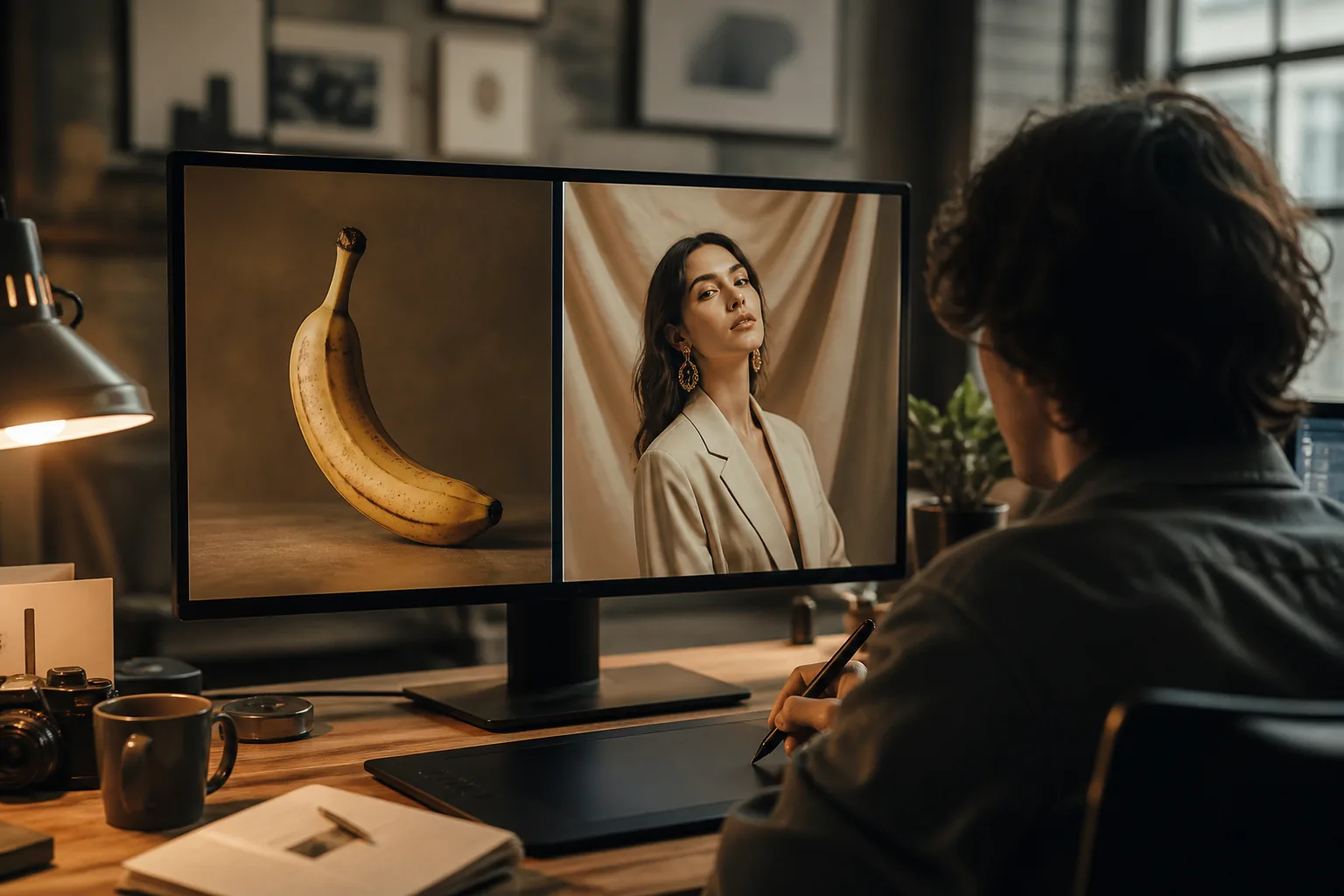
Nano Banana 3.0 brings text prompts, optional references and image-generation controls into a workspace for exploring visual ideas.
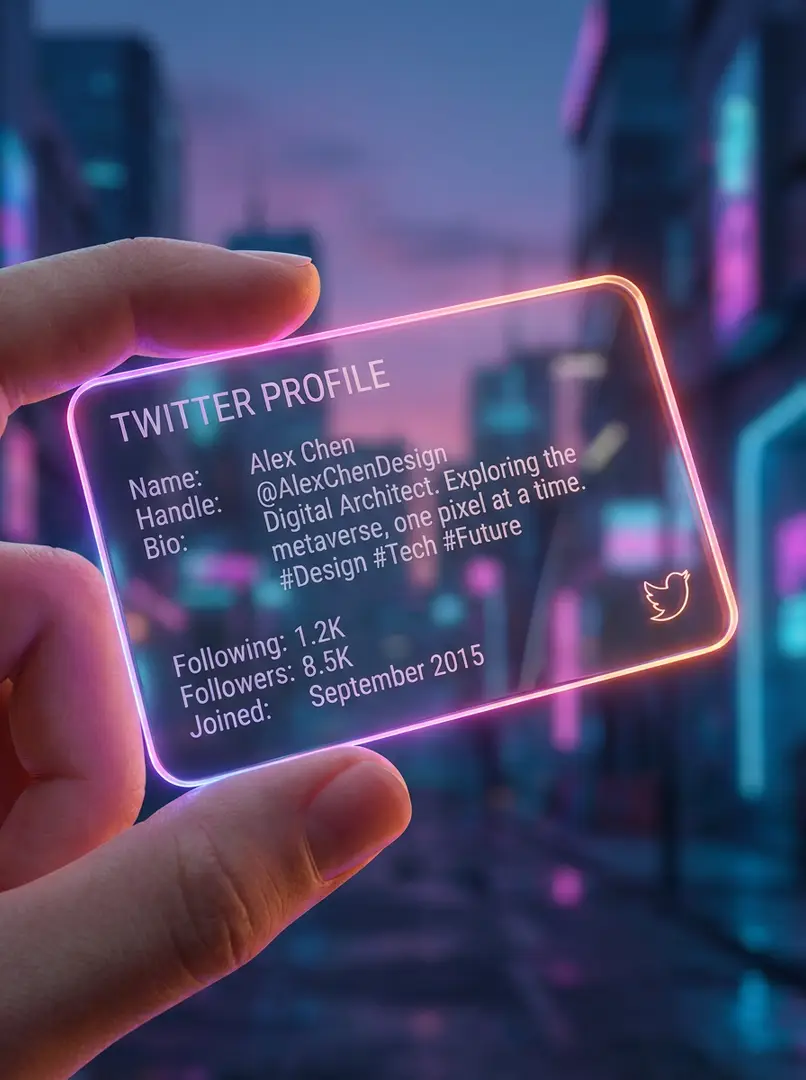
Choose Nano Banana Pro, Nano Banana 2, Nano Banana 2 Lite, or NanoBanana Flash. These are the true model names available here.
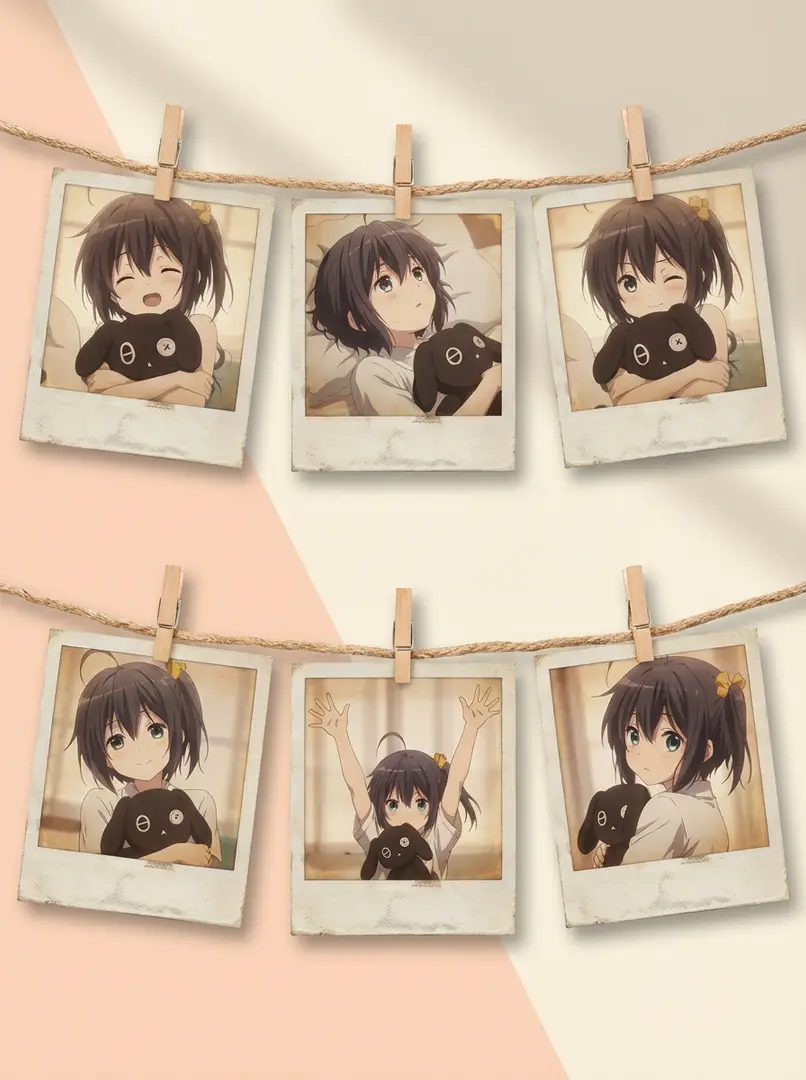
Describe the subject, setting and mood you want to explore, then use the generated still to review your visual direction.
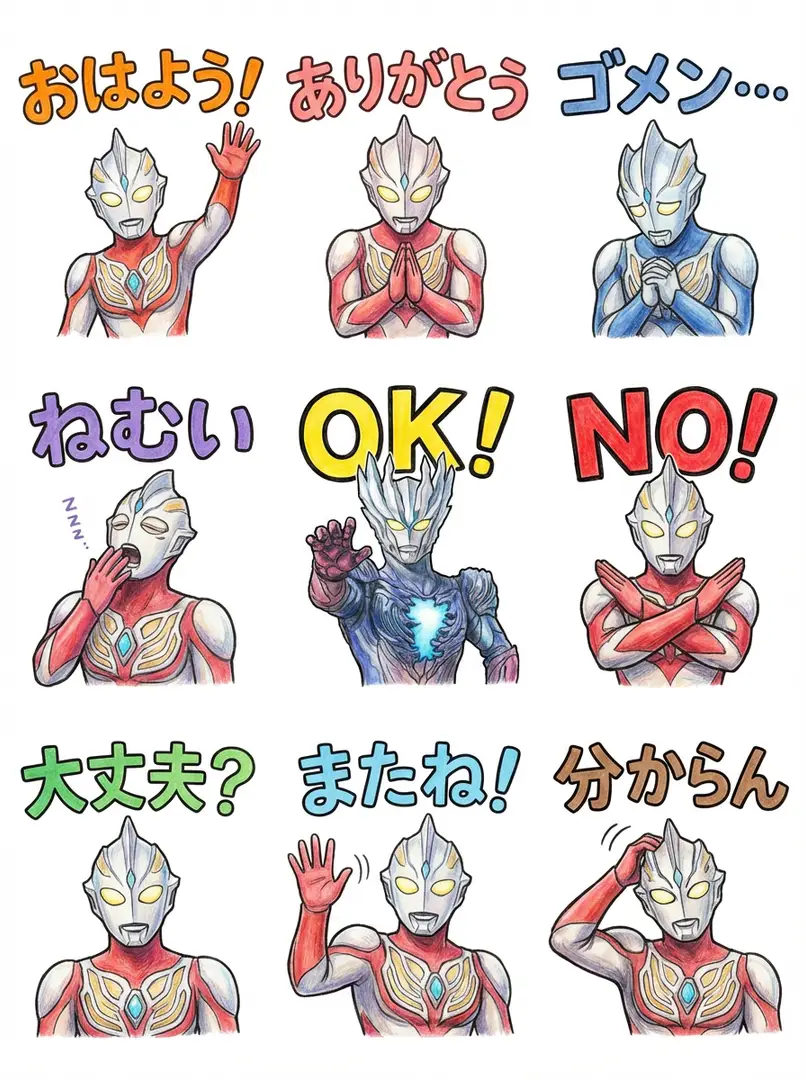
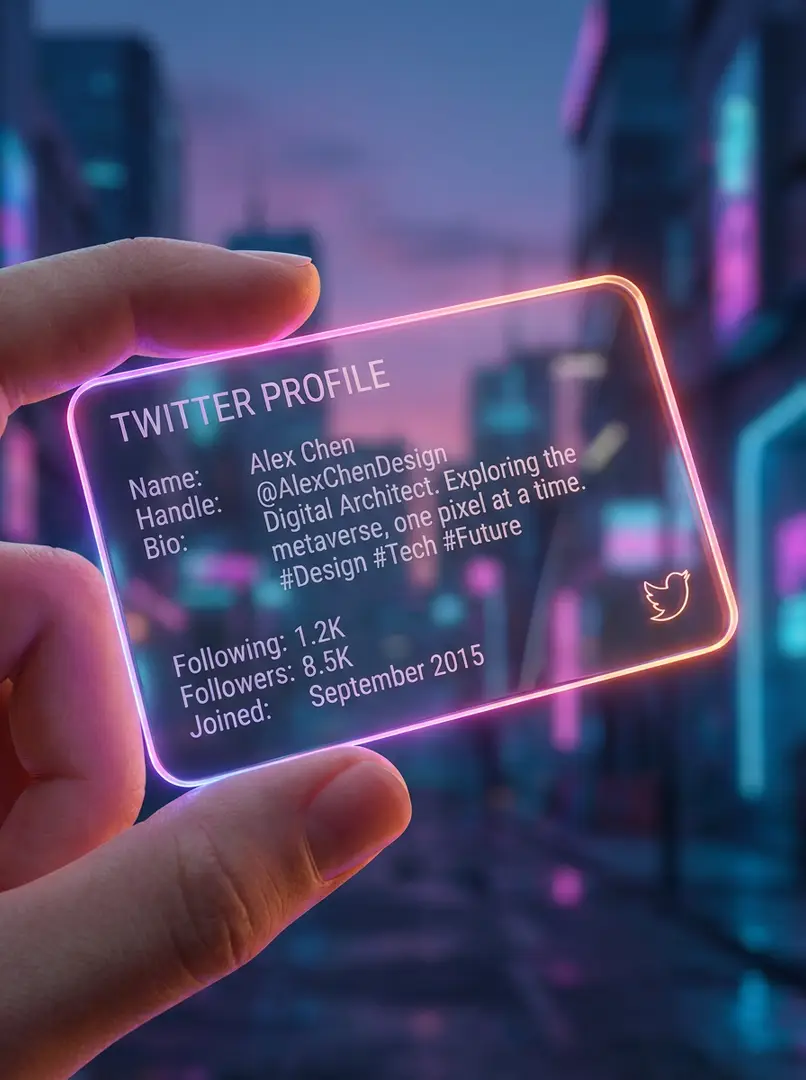
Inspect generated text, anatomy and small details, then refine the prompt or references when the result needs adjustment.
How It Works
The generator processes your prompt and optional reference images to condition composition and details. Output varies and must be reviewed before use.
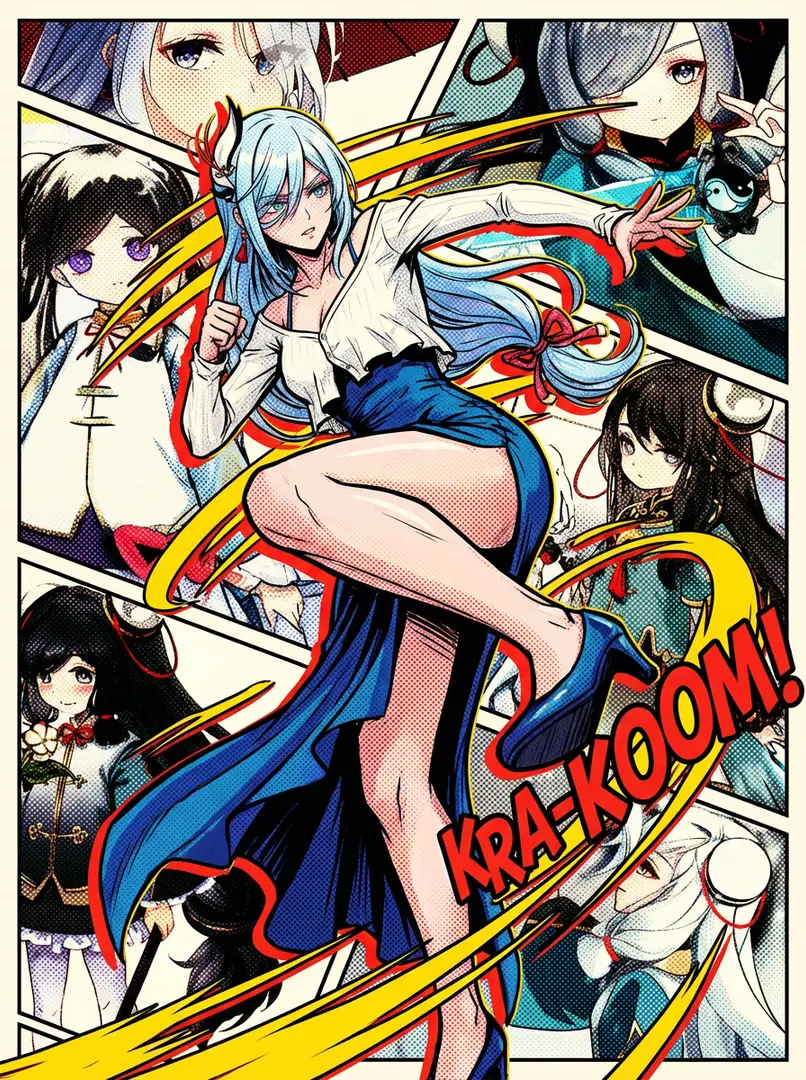
The image model uses the text prompt as conditioning for subject, setting, composition and style.
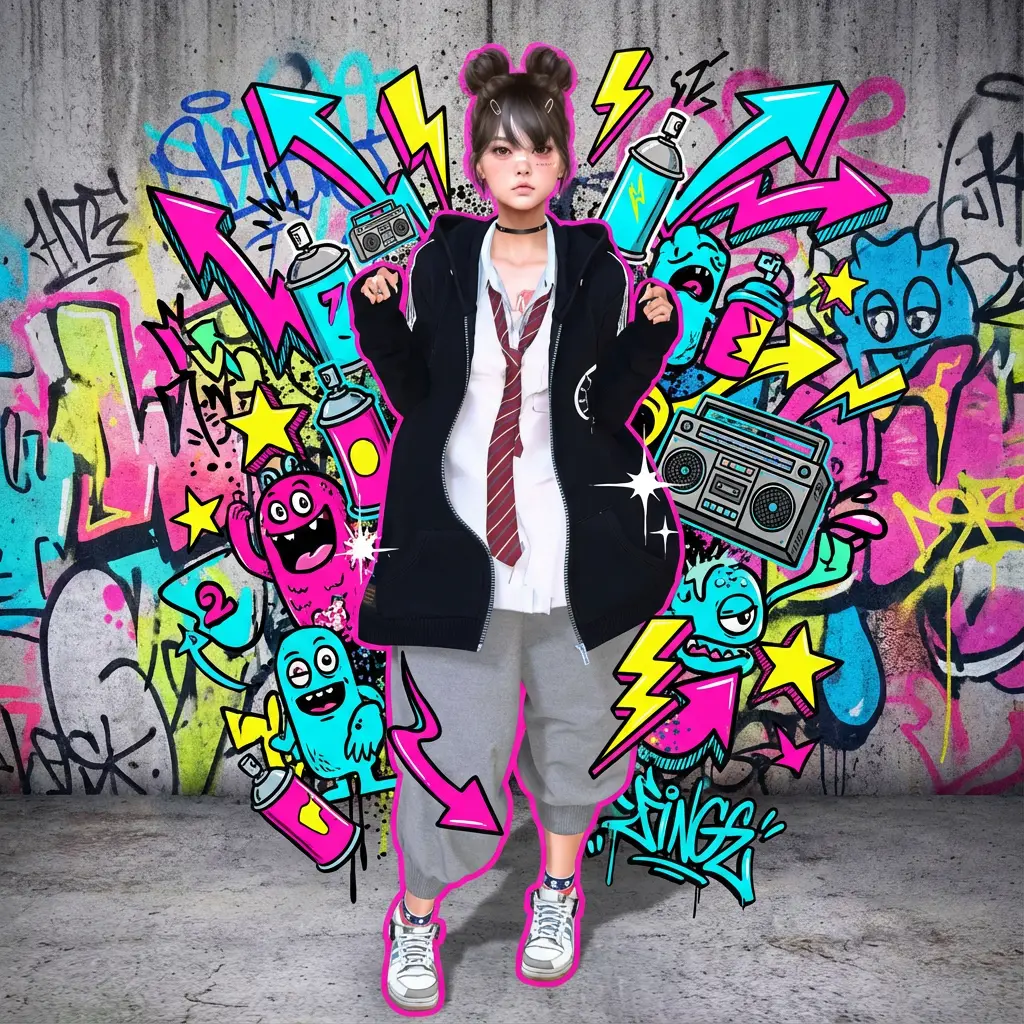
Optional reference images provide visual information that can guide a generated image alongside the text prompt.
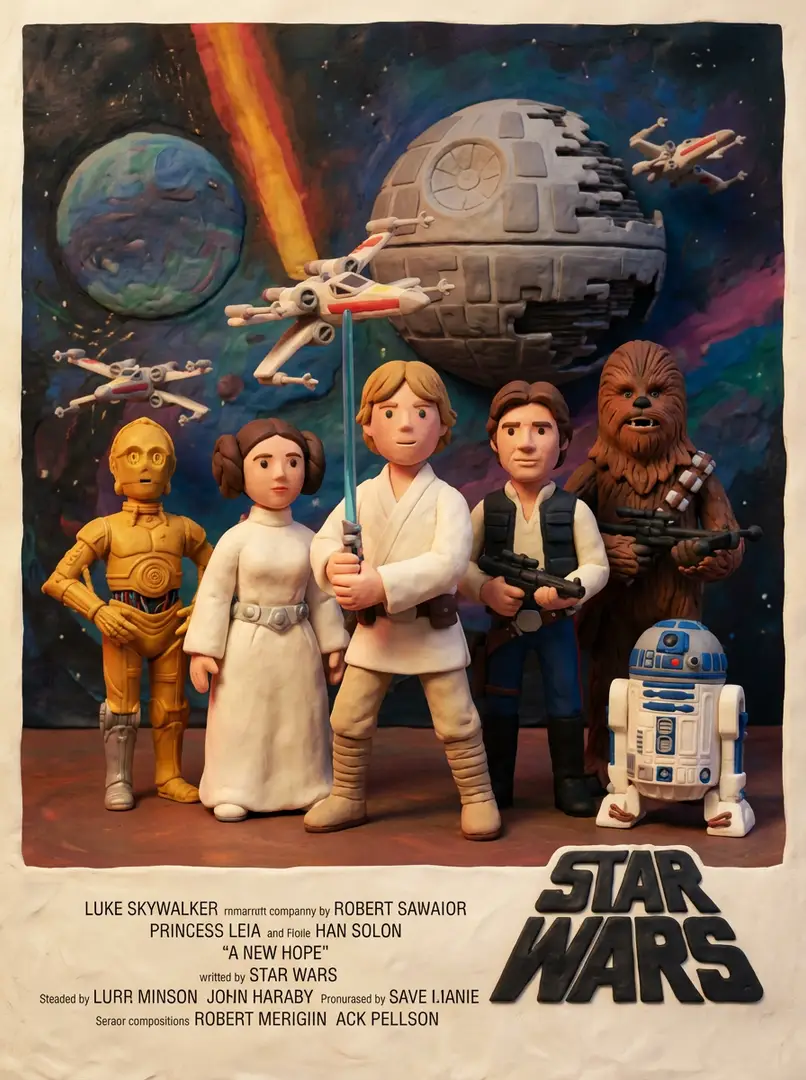
The selected model generates an image from your text and image context. Results may vary between runs.
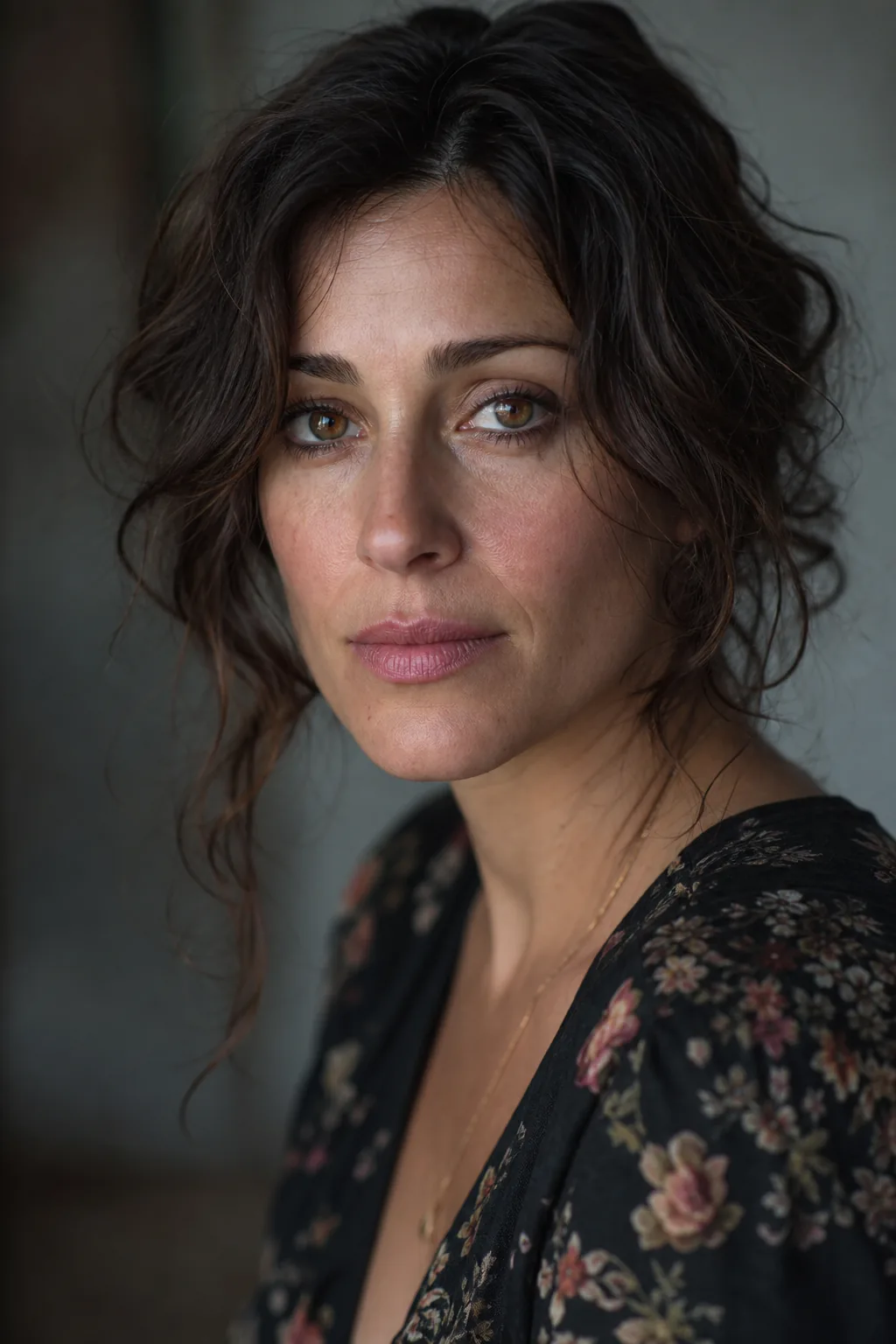
Generation is probabilistic. Check the output and adjust your prompt or references for anatomy, text, or small details.
Features
Turn a brief into visual concepts using text prompts, optional reference images, and model-compatible aspect ratios. Each run deducts credits based on your settings.
The model picker lists Nano Banana Pro, Nano Banana 2, Nano Banana 2 Lite, and NanoBanana Flash. Select a model for your image task.
Choose from the aspect ratio and resolution controls available for the selected model.
Attach optional reference images within the limit shown for the selected model to guide composition and details.
Use the prompt to describe the subject, setting, lighting and composition you want to explore.
Scenes
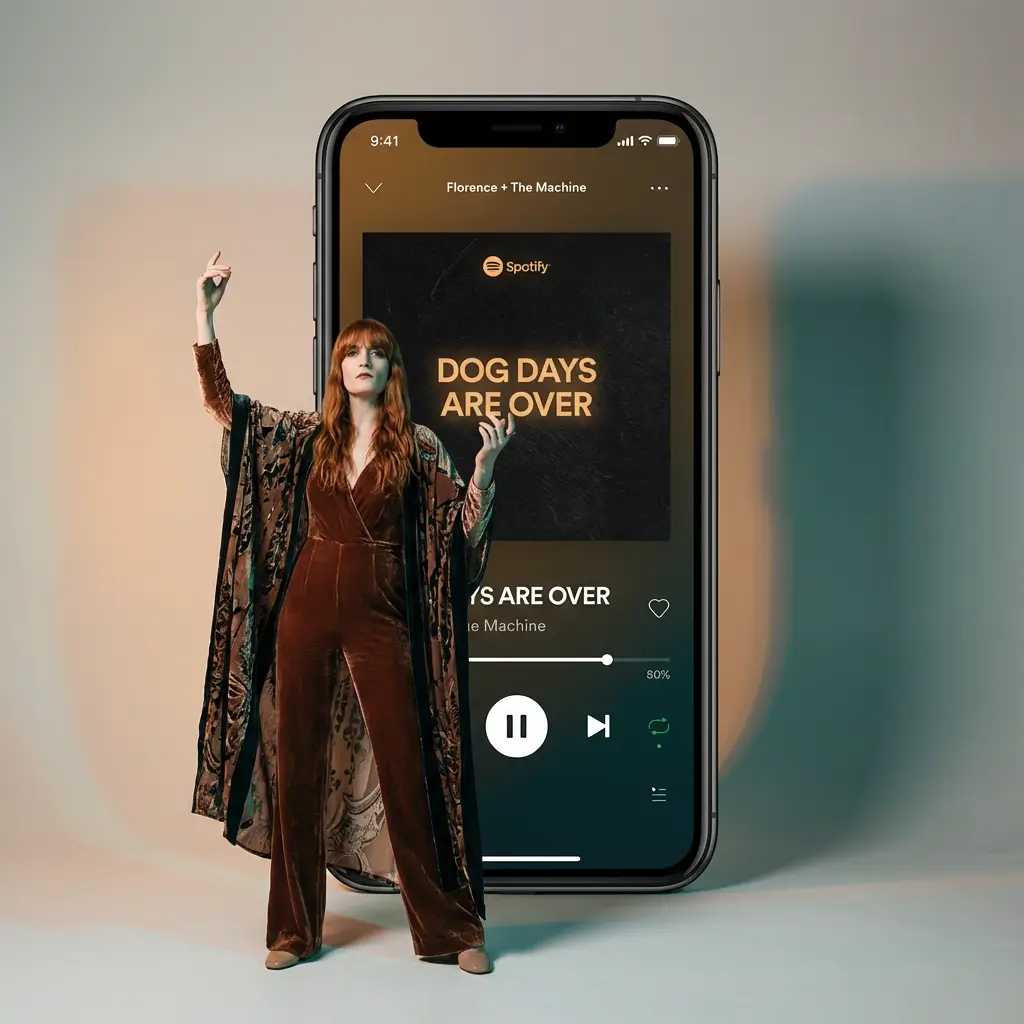
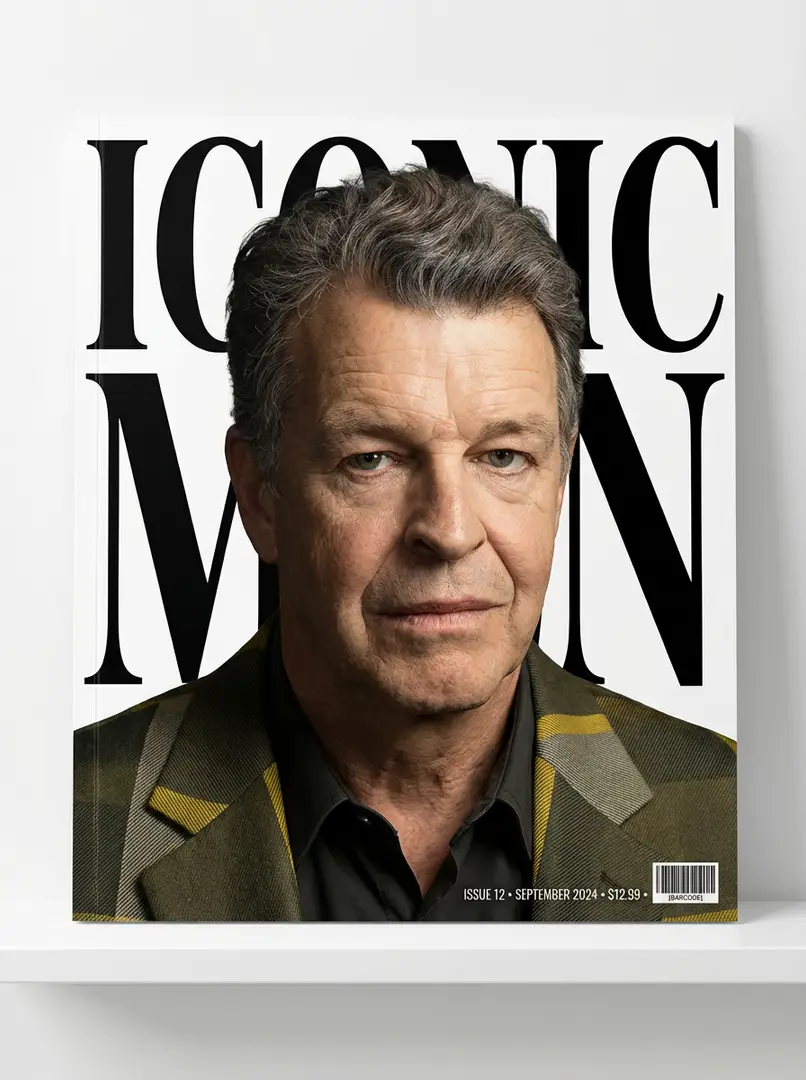
Social posts, ads, portraits, and product shots — export the aspect ratio the destination needs.
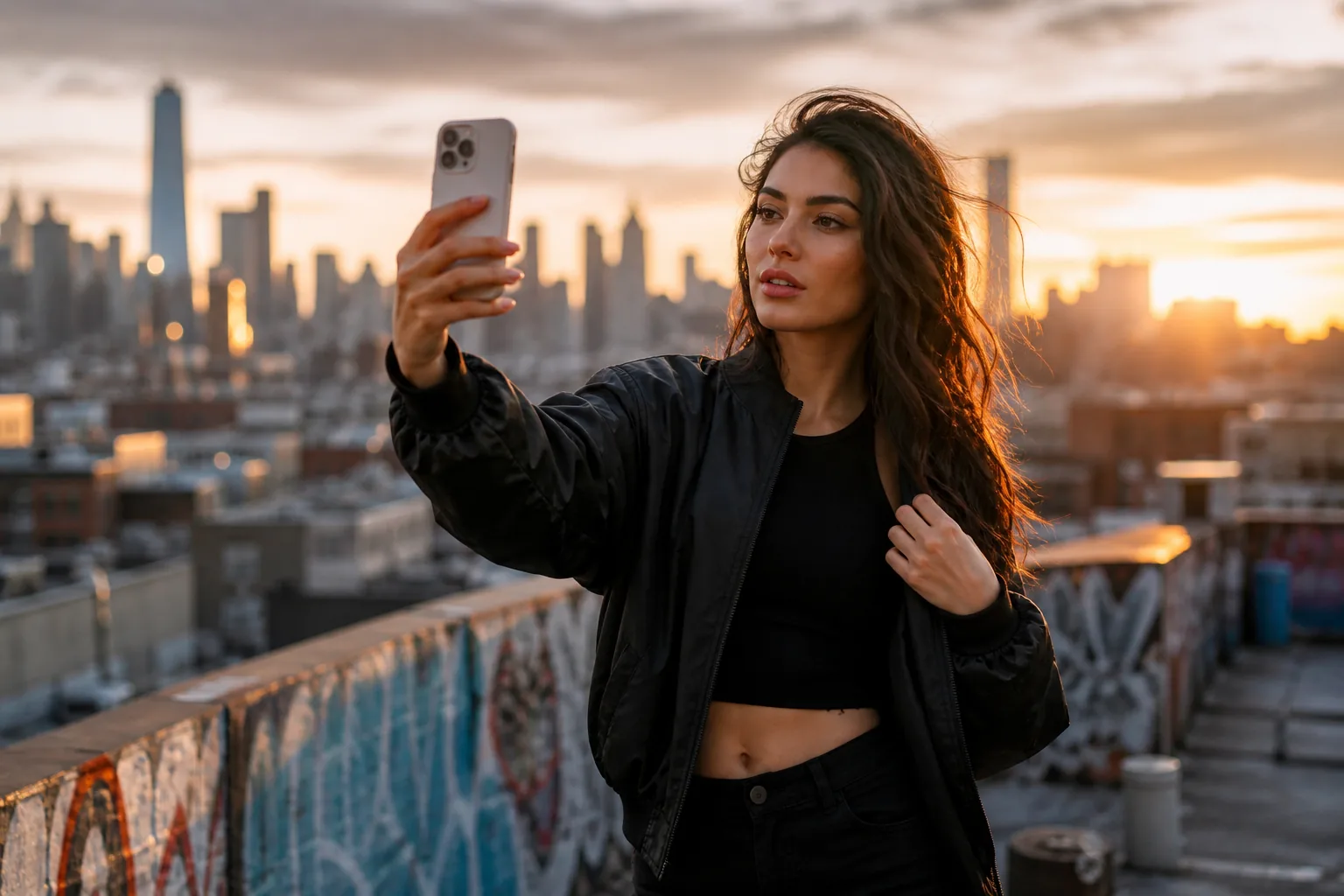
Four steps from a brief to a downloadable still.
Describe the scene, format, and destination — a square post, a 16:9 ad, or a product hero.
Select from Nano Banana Pro, Nano Banana 2, Nano Banana 2 Lite, or NanoBanana Flash.
Write the prompt, attach optional references, and choose the available output settings.
Generate, inspect the result, then download it or refine the prompt for another variation. Credit costs depend on the selected model and settings.
Why Choose
Compare visual directions from the same brief before arranging a shoot or choosing a final layout.
Use a visual concept to show composition and mood during creative review.
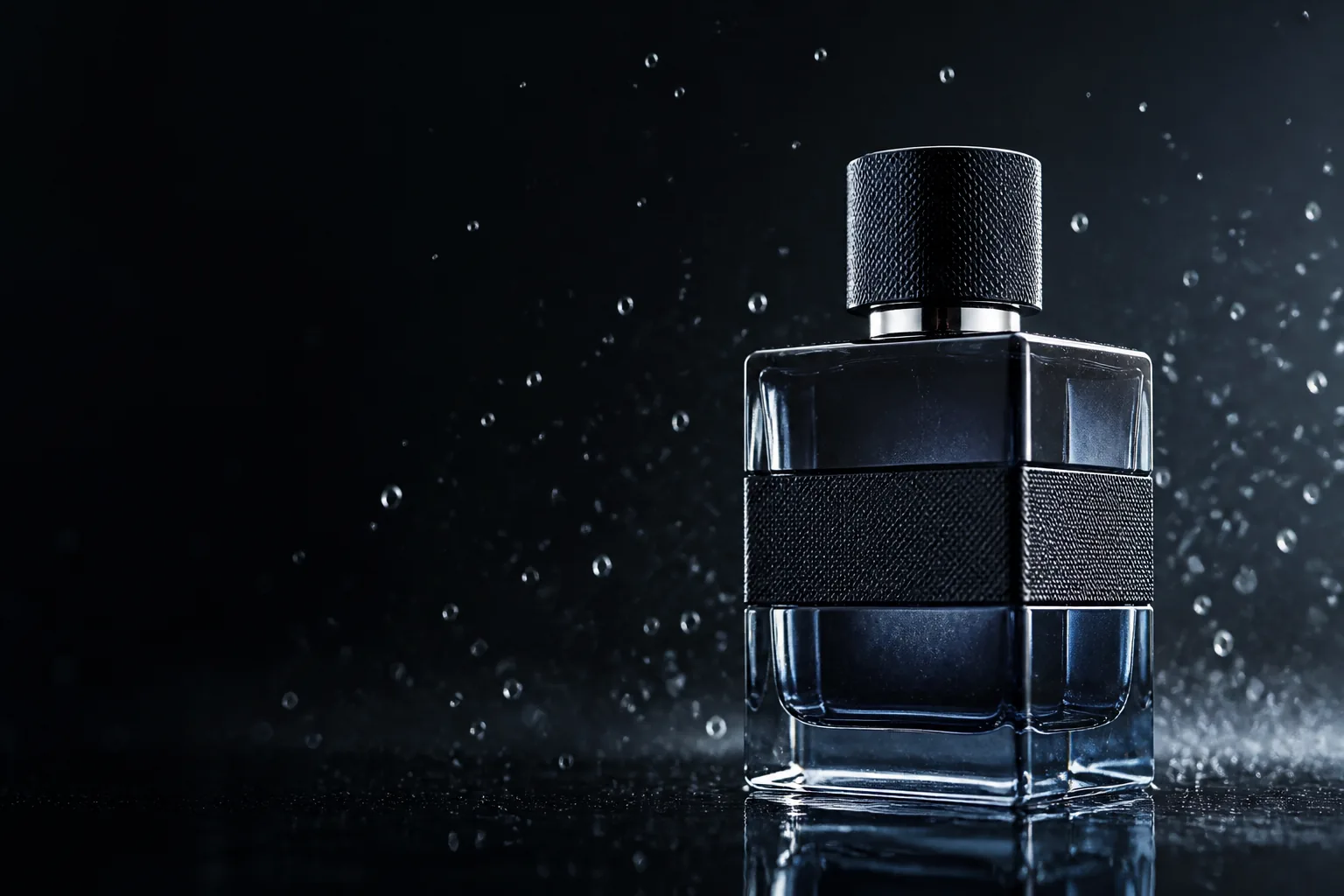
Explore different settings and framing from the same brief before selecting a direction.
Review generated concepts to find details to change in the brief before final production.
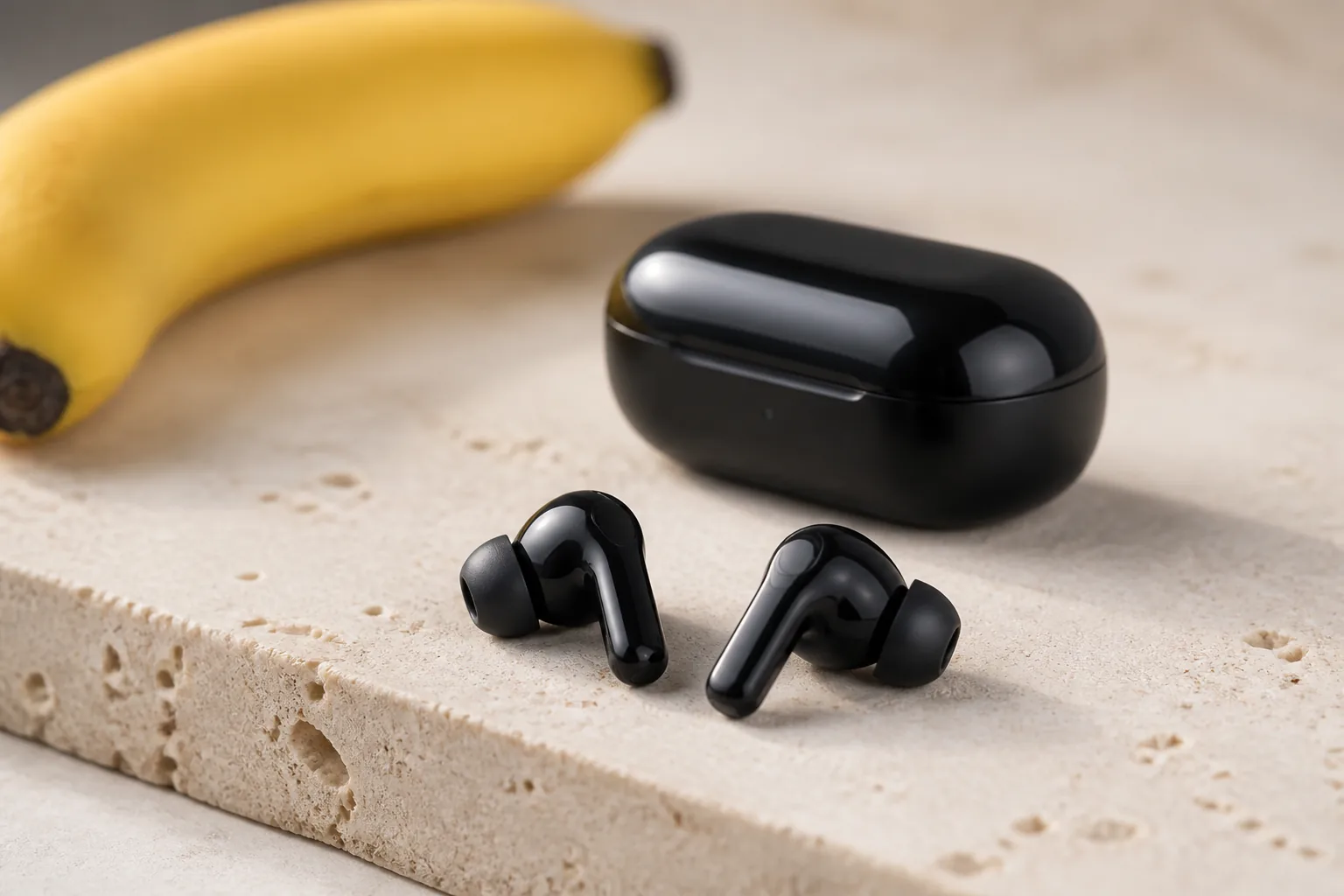
Compare visual concepts from the same brief before committing to a shoot or final layout.
Credits depend on the selected model and settings. Refer to pricing page for plan details.
Perfect for getting started
Most popular for creators
For power users and teams
See the required credits before generating. The cost depends on the model and resolution you select.
Have feedback on our plans? Submit feedback or email us at [email protected]
Common questions about Nano Banana 3.0 and this workspace.
Have more questions? We're here to help
Start Generating with Nano Banana 3.0
Describe your visual idea, choose an image model and explore a first concept.
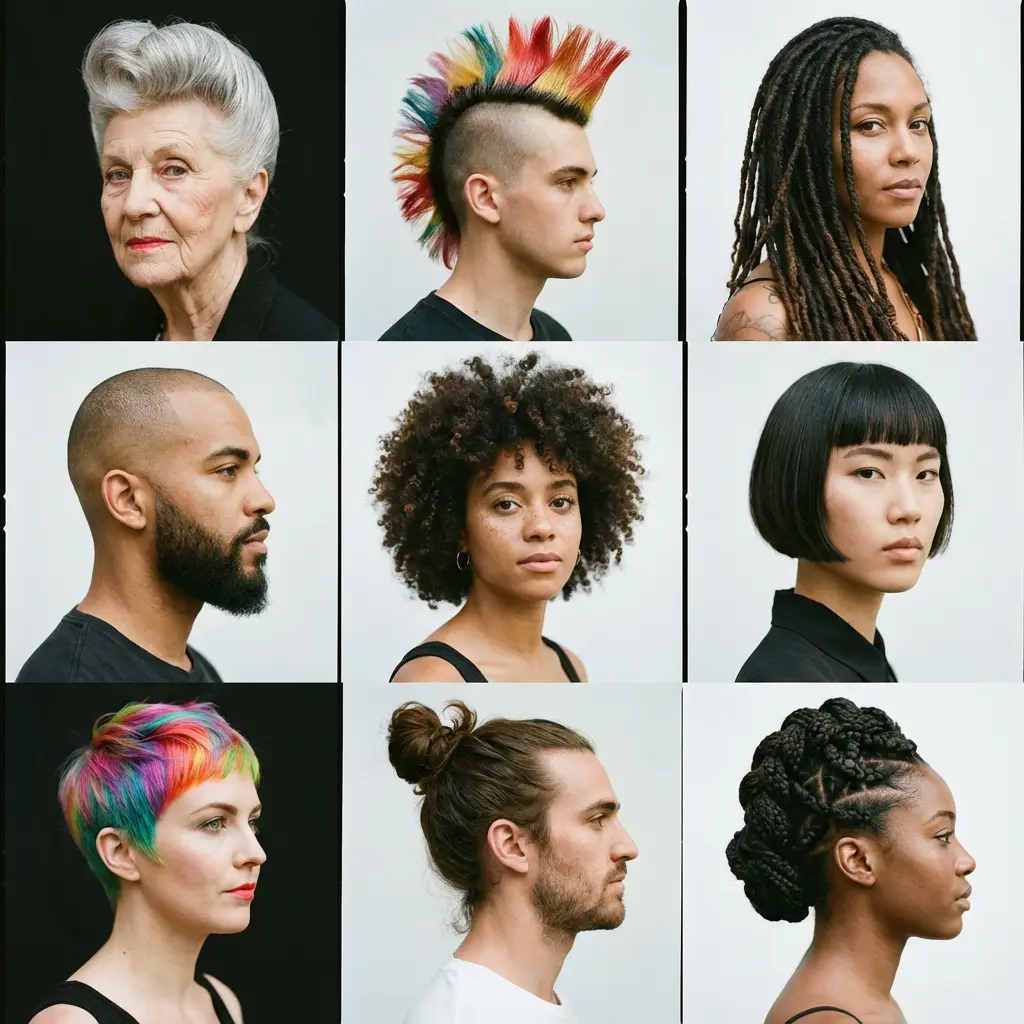
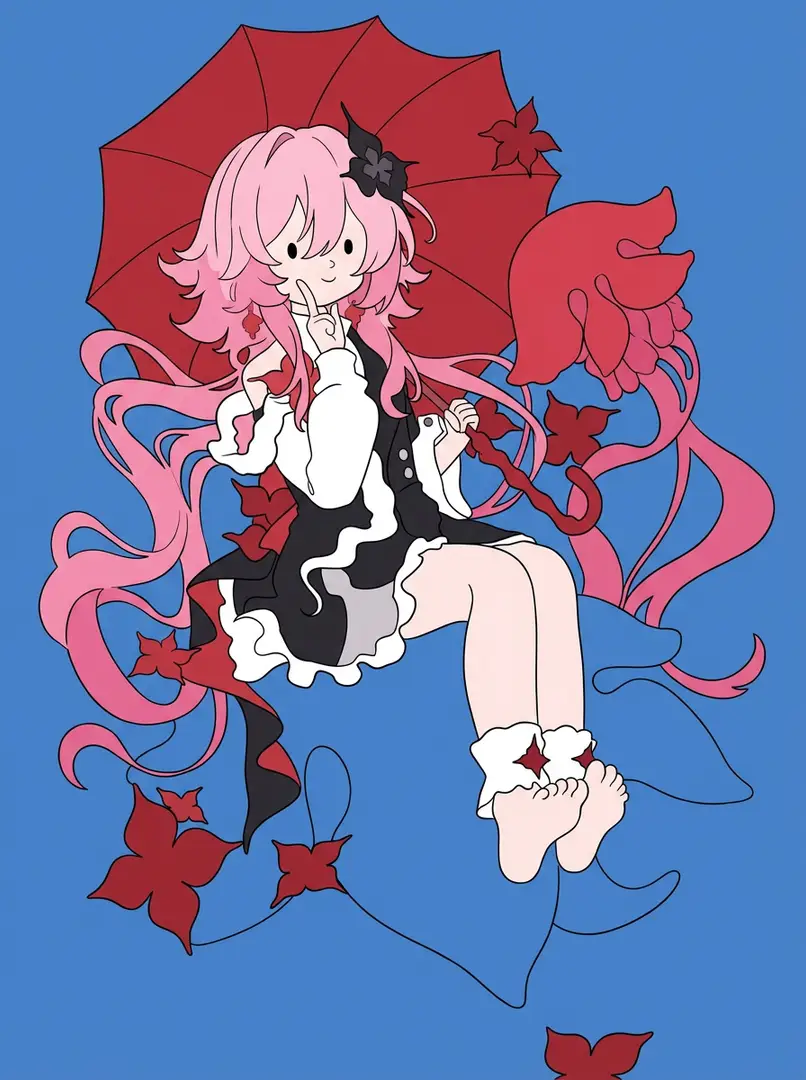
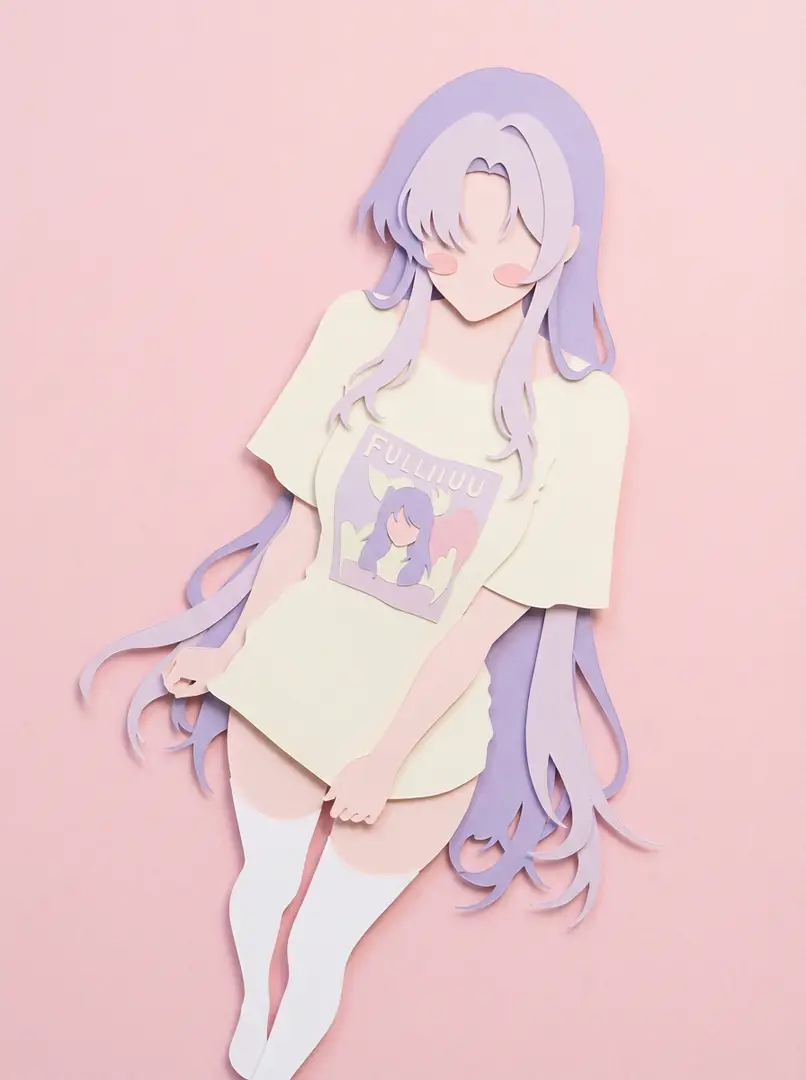
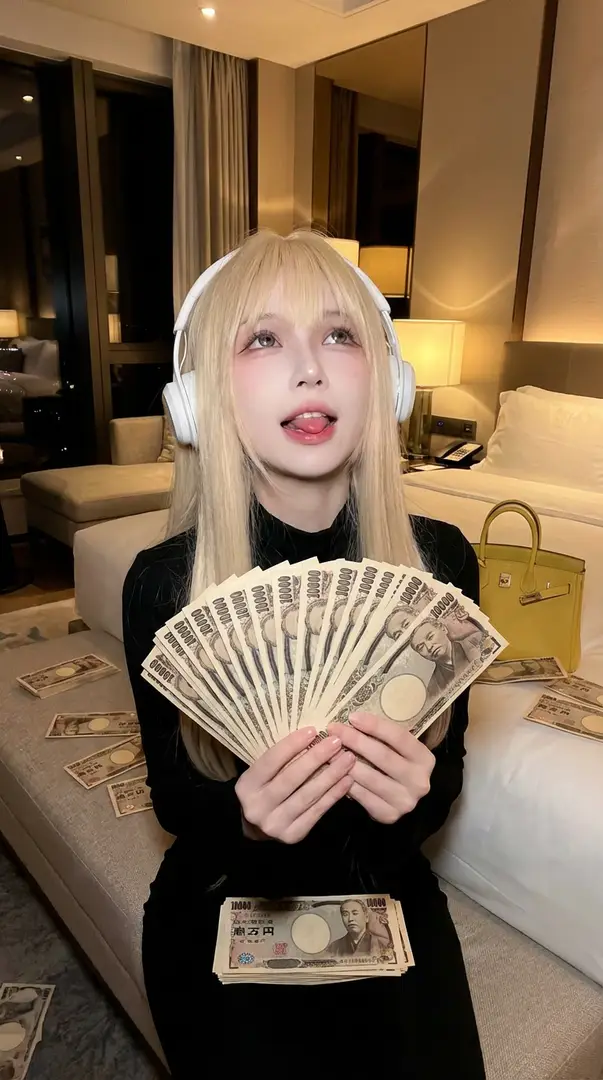
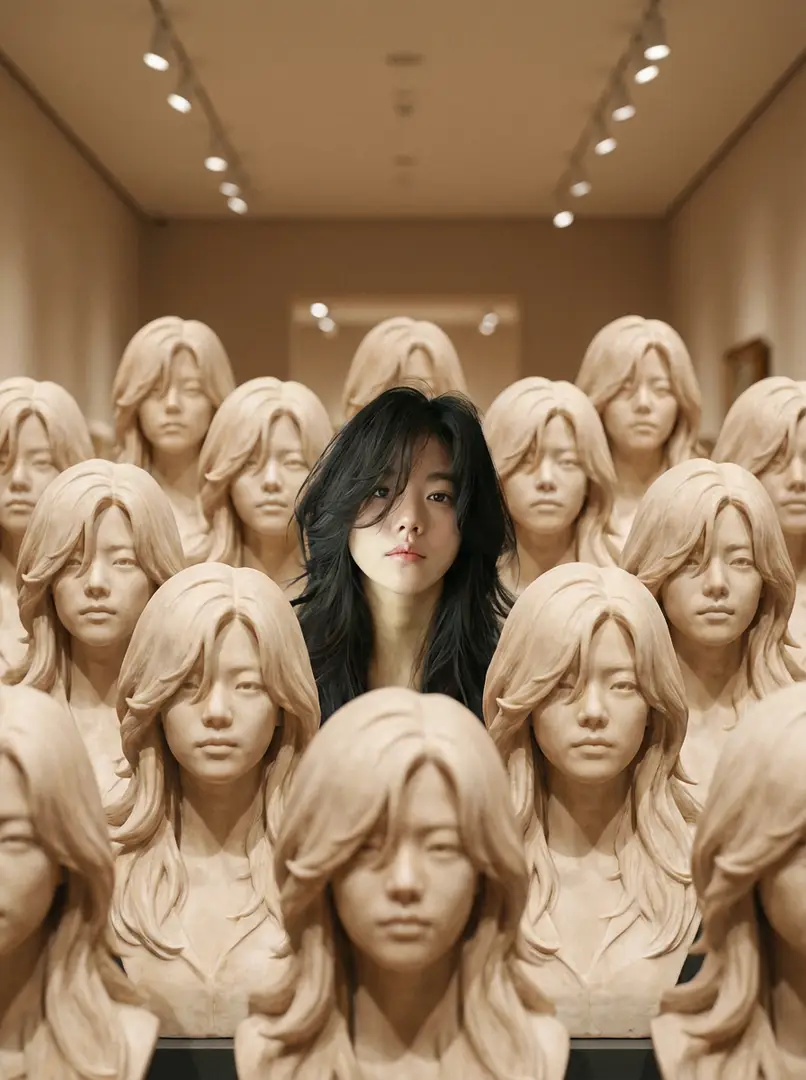
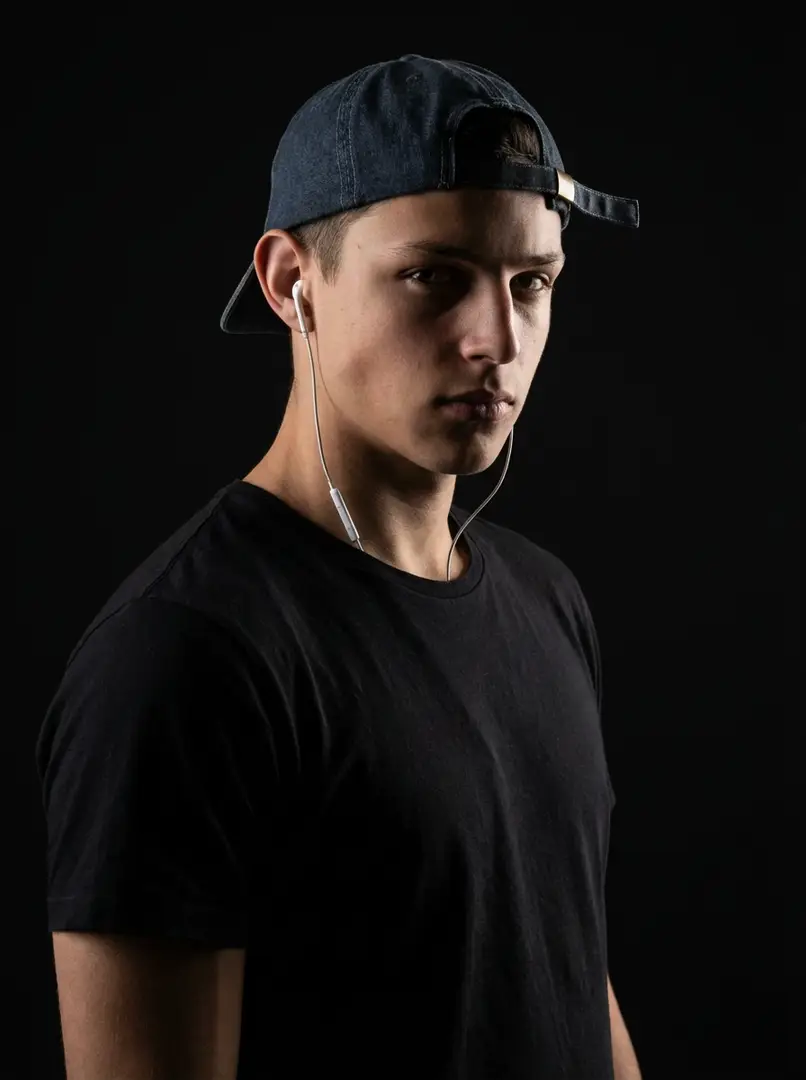
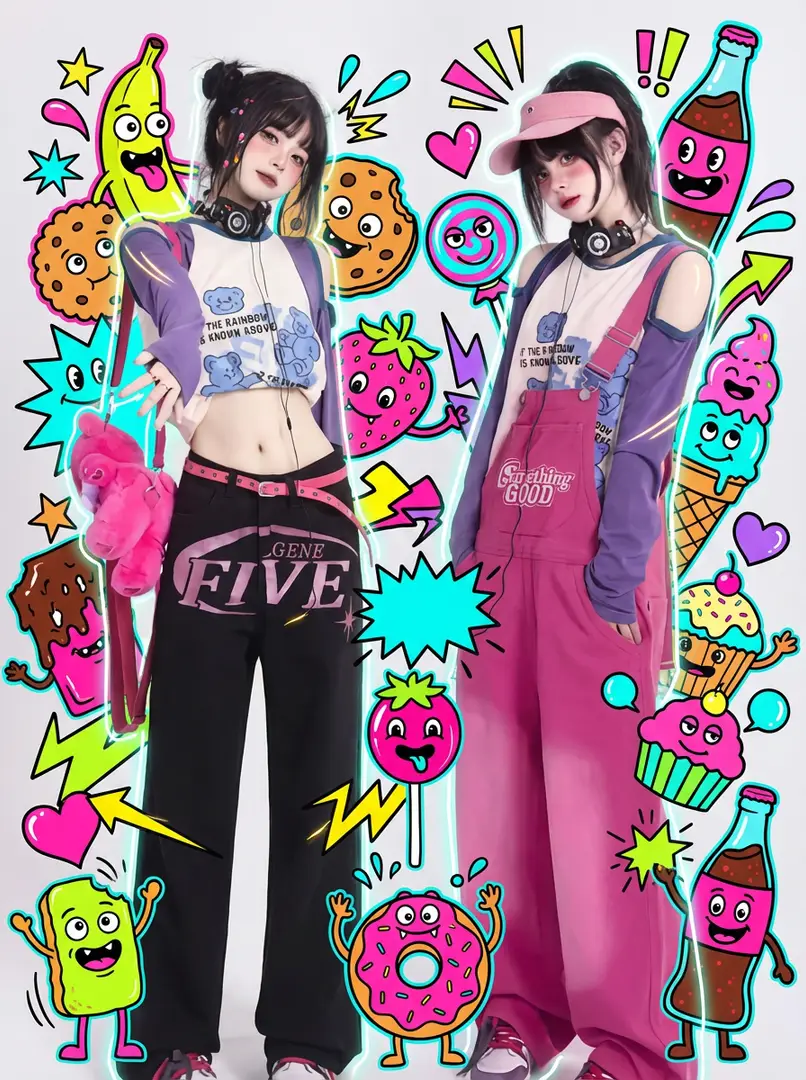
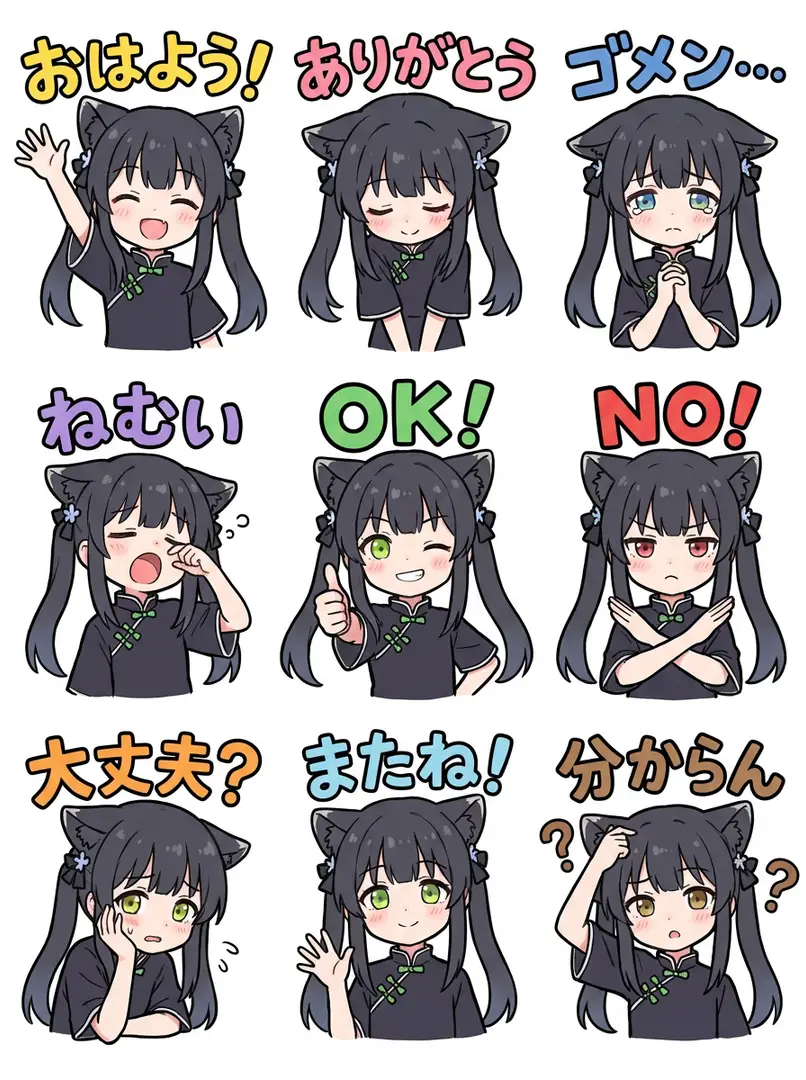
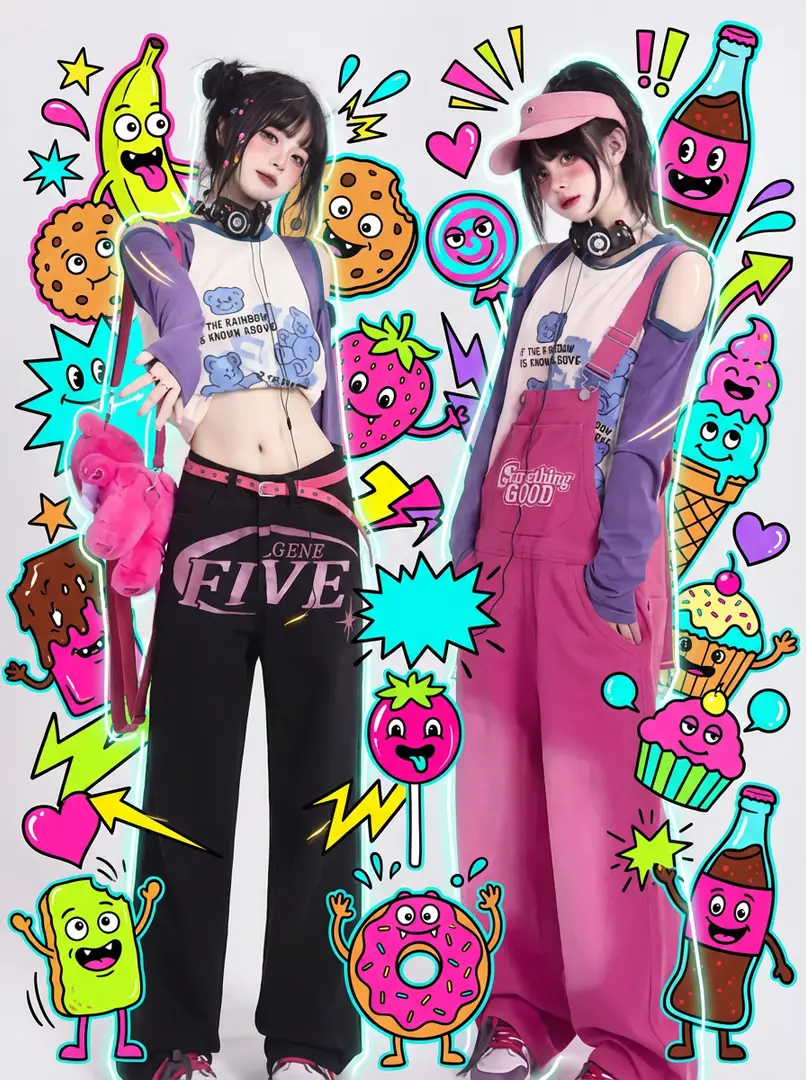
Browse visual examples for inspiration.
Browse visual examples for composition ideas.
Use details from an example to describe the composition and mood you want to explore in a new prompt.
Examine composition, lighting, and framing for your next brief.
Compare the examples for framing, lighting and composition ideas for your next brief.